

LastLayer
A dynamic interface layer - a new abstraction above the desktop environment that lets you control the environment at multiple levels and transform it instantly.
~ >cbonsai
~ >
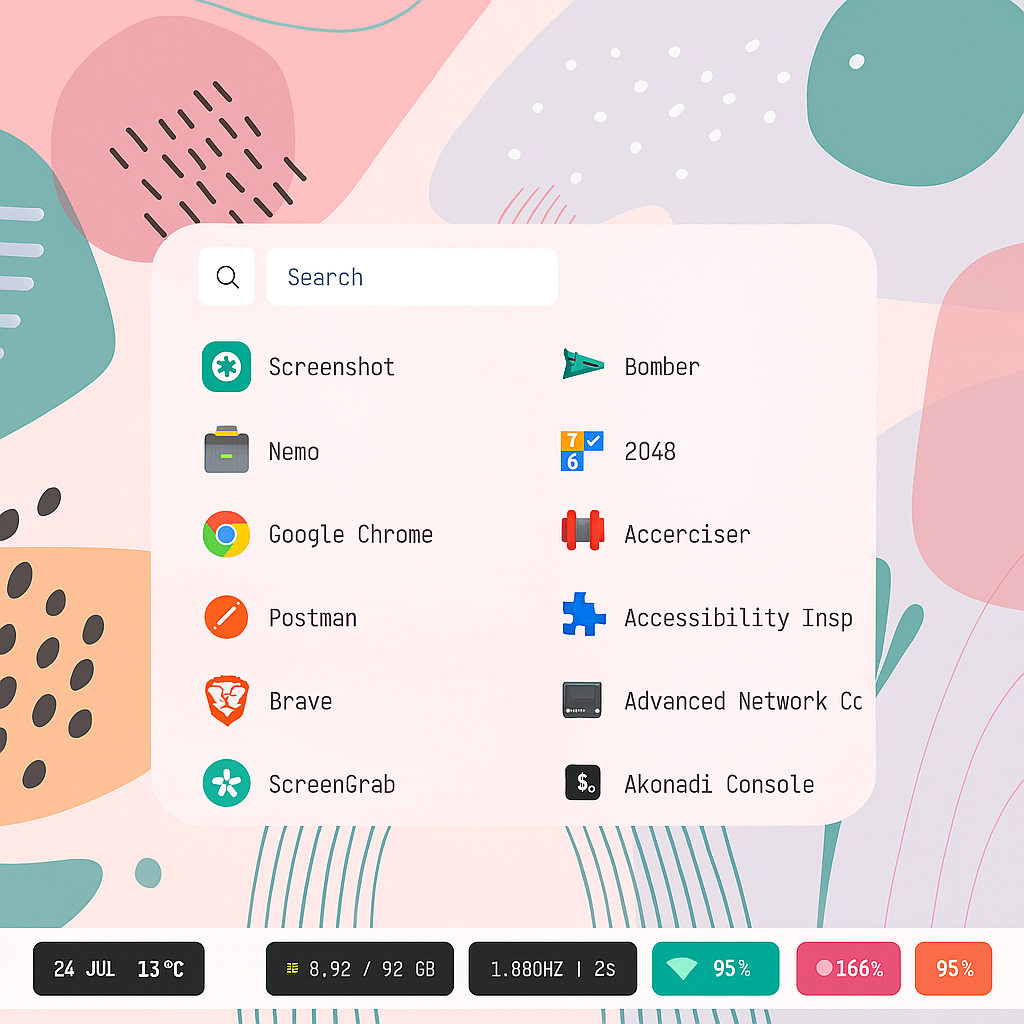
M
auspicious
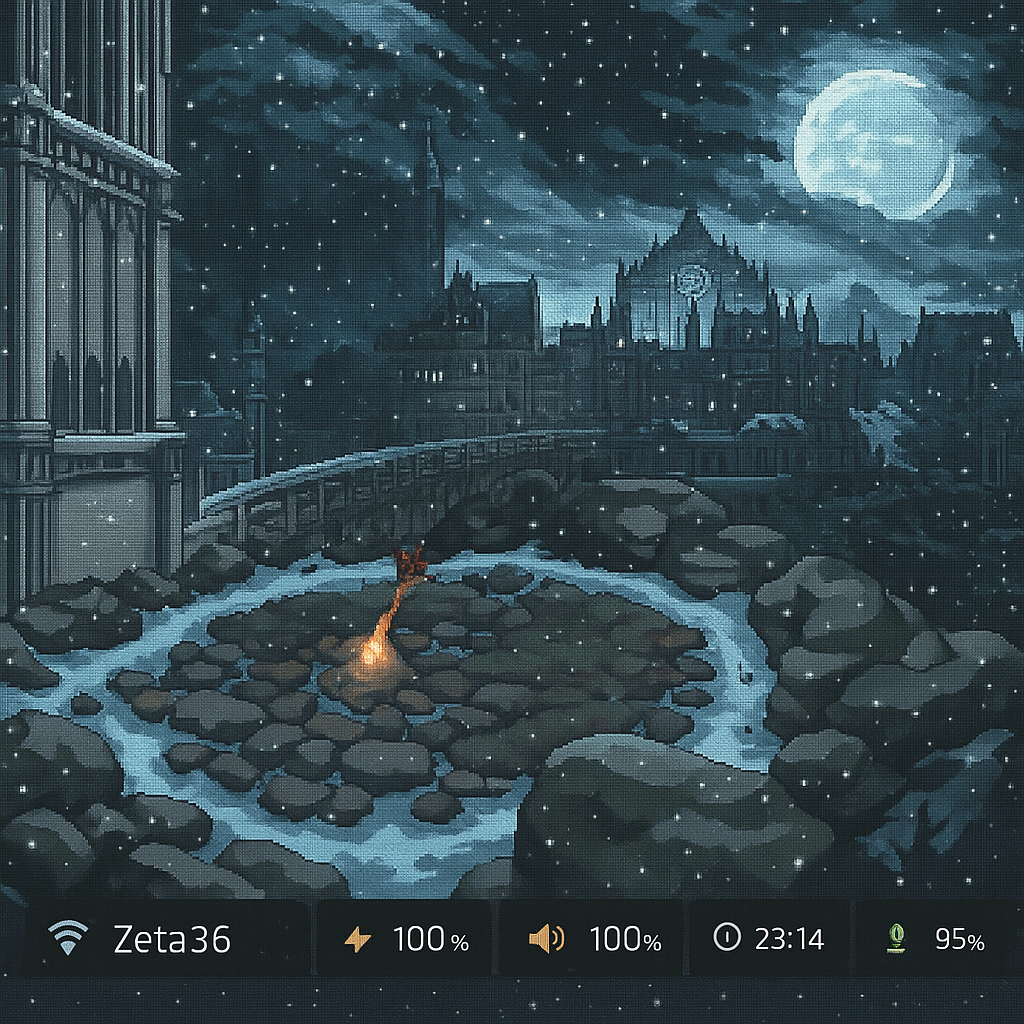
W
seraphic
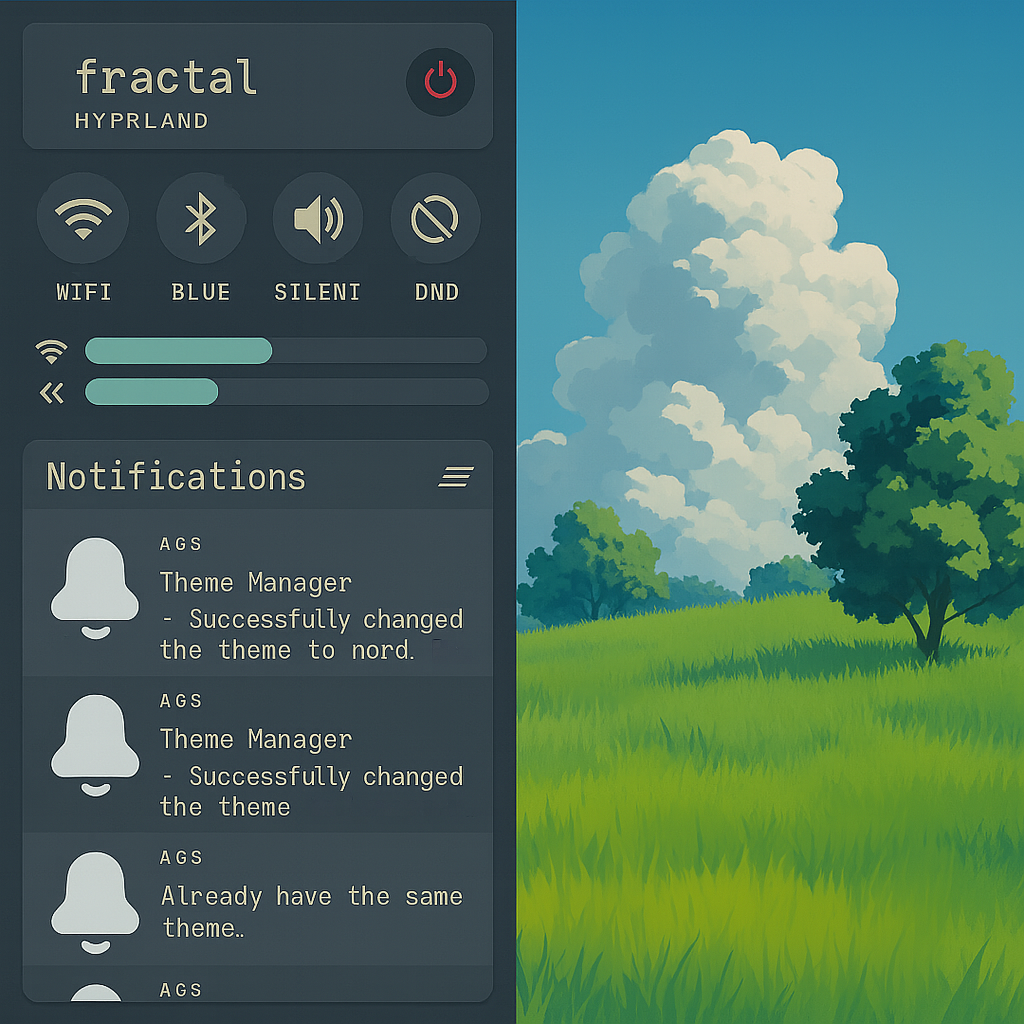
M
yume

default
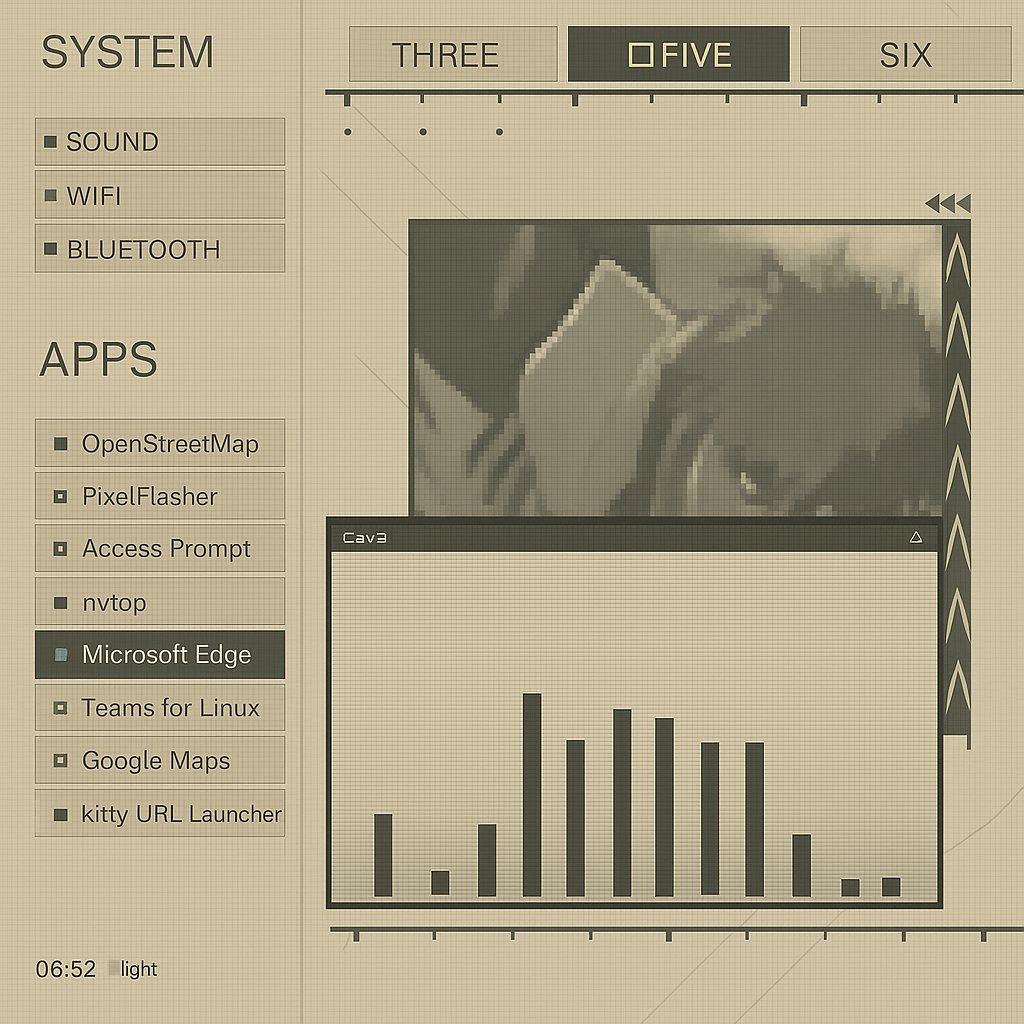
MU
yorha

M
zenities
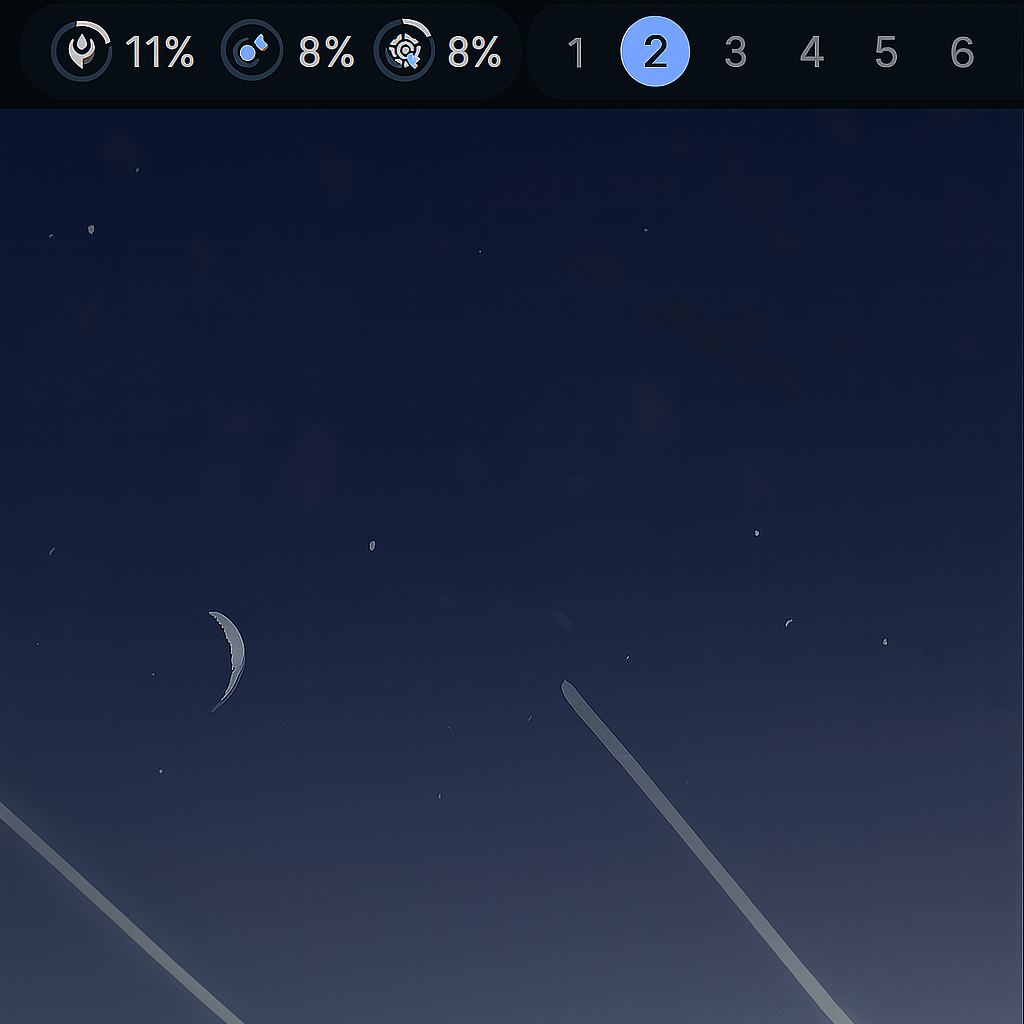
D+
illogical-impulse
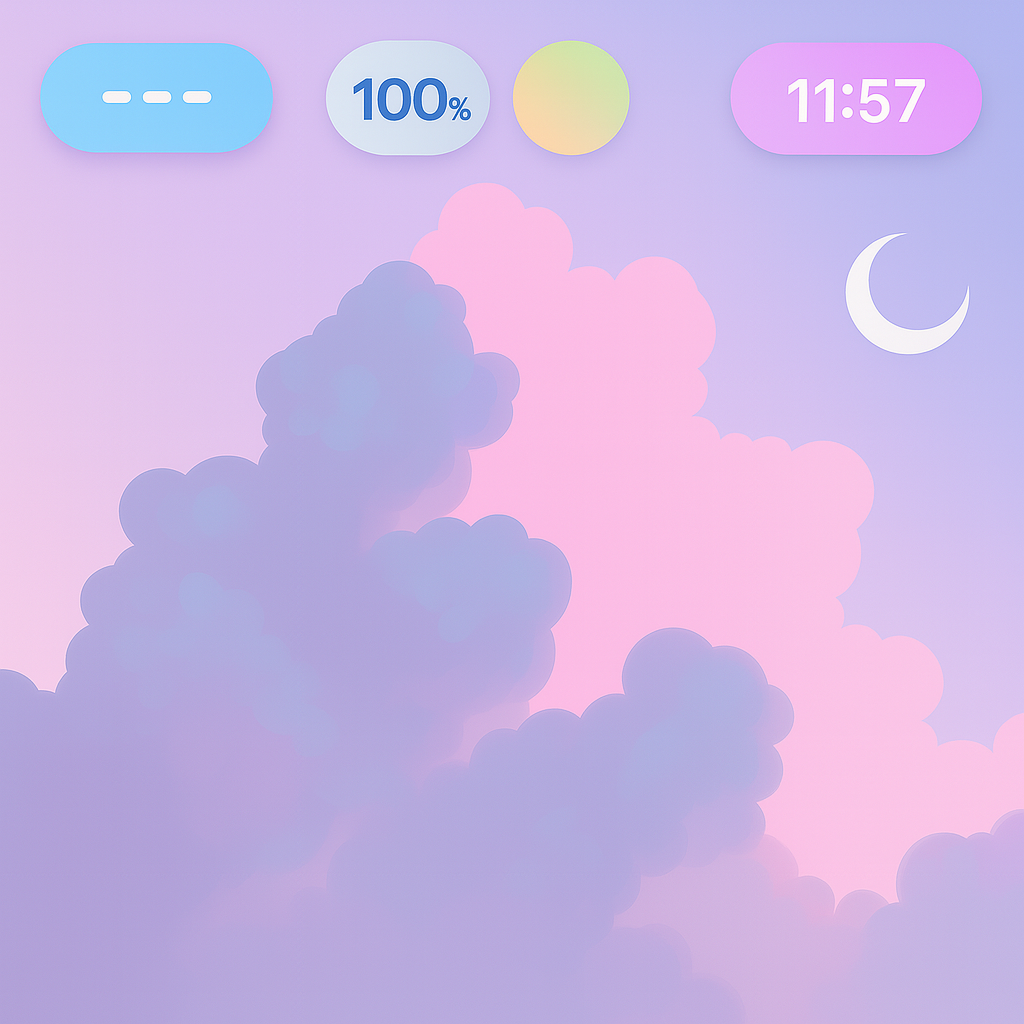
M
dreamy
Hyprland 0.49.0
Tiling Mode:
Animations:
✓
Enable blur optimizations
Dim Inactive:
Follow Mouse
Force no hardware acceleration
Natural Scroll
Additional Advanced Parameters
Information:
Basic parameters (rounding, blur, borders, gaps, shadows, animations, mouse, sensitivity, tiling mode) are managed in basic settings. Only additional advanced Hyprland parameters unavailable in the basic tab appear here.
Border Colors (Advanced)
Border size around windows in pixels (0 = disable borders)
Border color of active window (format: 0xAARRGGBB)
Border color of inactive windows
Shadows (Advanced)
Enable Shadows
Main shadow toggle for all windows
Shadow size/width in pixels
Shadow color for inactive windows (if not set, uses main color)
Shadow color for active windows
Sharp Shadows
Make shadows sharp, like with infinite rendering power
Ignore Window
Don't render shadow behind the window itself, only around it
Blur (Advanced)
Ignore Opacity
Blur regardless of window opacity
X-Ray Mode
🔌 Hyprland Plugin Management
Information:
Here you can enable/disable plugins and manage plugin repositories. Note that some plugins just need to be installed, others may require attributes which you can conveniently add here, but there are also plugins that will require additional configuration in separate config files.
Plugin management uses an external dependency. If you encounter issues, try reinstalling it.
Repository Management
https://github.com/hyprwm/hyprland-plugins
llayer-core
Standard plugin group from the program. Currently contains nothing.
hyprRiver
hyprgrass
hyprgrass-backlight
hyprgrass-pulse
borders-plus-plus
DEV Features (Experimental)
DEV
Custom Keybinds Editor
DEV
Theme Color Mixer
DEV
Cloud Sync
DEV
Backup Manager
DEV
Auto-Update
DEV
Script Runner
About
LastLayer
Rice Management System
LastLayer is a comprehensive management layer over WM/DE that implements configuration management, plugins, and all available control levels.
Support: ko-fi.com/llayer
Contact: llayerfb@gmail.com
DEV
DEV
DEV
DEV
DEV
Applied: dreamy
https://github.com/end-4/dots-hyprland
☻
Reddit thread
Published
[Hyprland] My virginity defense ft. Quickshell
▲ 2635
💬 196
Tags
Properties:
📍
D+
1200 ms
avg. apply
6000 ms
avg. install
30
If your distribution is not supported, edit install_theme_apps based on your package managers.
Actions:
► llayer ◄
# clone & install
$ git clone https://github.com/llayerlinux/llayer && cd llayer && ./install.sh
Ready._
 Watch Demo on YouTube →
Features
- One-click rice switching. ~2 seconds average; 30% faster since v1.1.
- Install rices from internet or local. Import via online tab or archives.
- Rice sharing. Upload dotfiles to server for public access.
- Edit/remove uploads from GUI. Manage published rices easily.
- Enhanced plugin management. Add repos, configure parameters. Improved in v1.1.
- Save and restore states. Snapshot layouts to recover instantly.
- Security checks. Scripts audited before running.
- Multilingual support. EN, RU, DE, ES, FR available.
- Open source (v1.1+). Full source released.
ISSUES
All known issues from different sources and their current resolution status are listed here.
You can join the waiting list and get notified as soon as an issue is resolved.
Contact & License
Email: llayerfb@gmail.com
GitHub: github.com/llayerlinux/llayer
MIT License - Copyright (c) 2025 lastlayer